AL Combine Shipments
by AppLibra
Combine posted shipments into one invoice per customer, grouped by the fields you choose.
Live on AppSource
AL Combine Shipments turns the posted sales shipments of a period into a single invoice per customer in Microsoft Dynamics 365 Business Central, using grouping criteria you configure instead of the fixed keys of the standard. You decide which fields decide that two shipments belong together, and which of their values land on the invoice header. It is the groundwork for deferred and summary invoicing.
Key capabilities
- Combine shipment codes - each code carries the ordered list of fields that drive the grouping, and a status that says whether it is still open for changes or certified and ready to use.
- Field mapping onto the invoice - two shipments end up on the same invoice when the values of those fields match, and the values are carried onto the invoice header, either assigned or validated so the standard logic runs.
- Suggested fields to start from - bill-to, sell-to, ship-to code, customer price group and VAT business posting group, which you then change to fit the way you invoice.
- Assisted setup - a guide that creates the default code and its fields, so the first configuration takes minutes.
- The combine run - a single action over a date range creates the combined invoices, ready to review or posted straight away.
Why it matters
- Group your way - combine by any field of the posted shipment, including the ones your own extensions added, not just the fixed standard keys.
- Invoice headers that carry the right values - what the grouping is based on is what the customer reads on the invoice.
- Fast to set up - the assisted guide builds a working configuration you can refine.
- Ready for deferred invoicing - the Italian companion adds the fiscal specifics on top, without changing how the app works elsewhere.
Built for
Companies that ship many times and invoice once - typically with deferred or summary invoicing, common in Italy - and whose grouping rules do not fit the fixed keys of the standard.
How it works
Set up a combine shipment code, by hand or through the assisted guide, listing the fields that must match and where their values land on the invoice header, then certify it. Assign the code to a customer: it travels to the orders and stays editable on the posted shipment. Post your shipments as usual. When it is time to invoice, run Combine Shipments over the period: shipments whose values match on every field of the code are combined into one invoice, with those values carried onto the header.
Localization
AL Combine Shipments IT is the Italian companion. It adds what deferred invoicing requires there: grouping by operation type, the period confined to a single month, and the operation date, activity code, bank and e-invoicing data carried onto the invoice. Installing it also installs this app.
Requirements
- Microsoft Dynamics 365 Business Central online (SaaS), version 28.0 or higher.
- Languages - English (en-US) and Italian (it-IT).
- Dependencies (installed automatically) - AL License and Trial Management, AL Message Passing and AL Role Center, all from AppLibra.
Italian localization
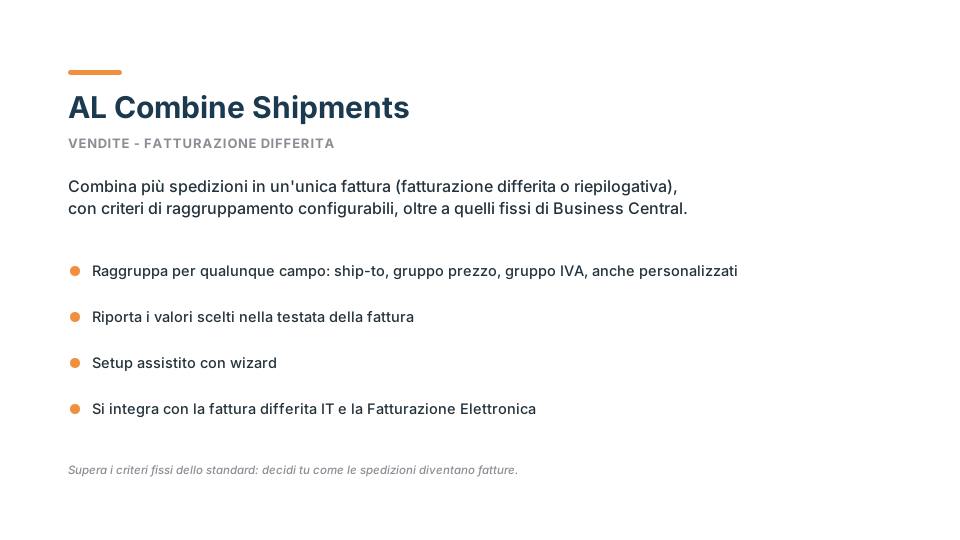 AL Combine Shipments IT adds what Italian deferred invoicing requires: grouping by operation type, the period confined to a single month, and the operation date, activity code, bank and e-invoicing data carried onto the invoice. Installing it also installs this app. See it on AppSource.